

Updated: 16/09/2026
What is the Best PV Design Software?
Free and paid options: which solar design software to use
When people ask, “What is the best solar design software?”, the most responsible answer is still: It depends.
It depends on:
- Whether you are new to the PV industry or already designing C&I systems.
- Whether you are creating proposals for homeowners or preparing documents for investors.
- Whether speed and presentation matter more than simulation depth.
- Whether you need bankable reports or internal feasibility checks.
The good news is that today there are strong tools available at every stage of your development. Some tools are perfectly adequate for small residential systems, while others are designed for commercial tenders, bankability requirements, and technically complex hybrid systems. The key is knowing when a tool supports your growth – and when it starts limiting it.
Let’s walk through this logically.
Starting easy
If you are at the beginning of your PV career, freeware solutions are not only acceptable, they are often the right choice. Many installers begin with:
- PVGIS
- Excel-based yield calculations
- Manufacturer-specific sizing tools
Entry-level PVGIS
Using PVGIS in combination with Excel allows you to understand the fundamentals of system design, such as irradiation data interpretation, tilt and azimuth influence, system losses, and performance ratio assumptions. That foundational understanding is far more important in the beginning than sophisticated 3D modelling.
For small residential systems with standard rooftop geometries and limited shading, this approach can produce reasonable yield estimates. It also forces you to understand what is happening behind the numbers, rather than simply trusting a black-box simulation.
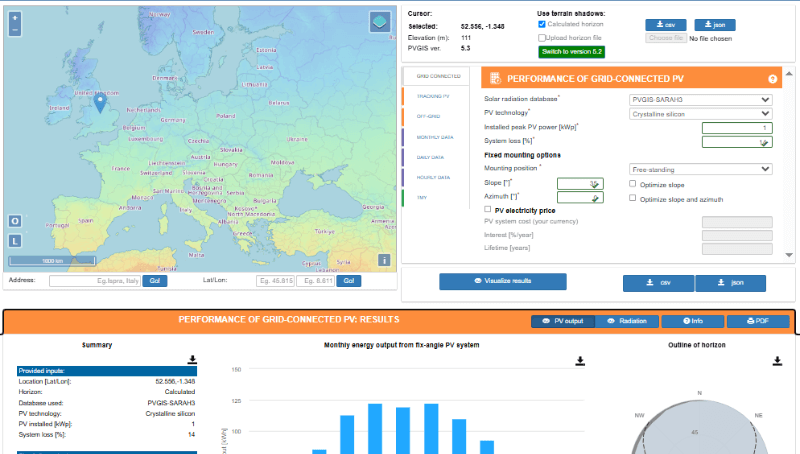
However, as your projects grow in size or complexity, manual processes quickly become time-consuming and more prone to error, and that is usually the moment when installers start exploring more advanced tools.
OpenSolar as a free option
OpenSolar represents a significant step up from purely manual approaches because it combines free access with surprisingly advanced functionality.
It offers:
- 3D rooftop modelling
- Shading analysis
- Automated proposal generation
- Integrated quoting
- CRM functionality
- Basic financial modelling
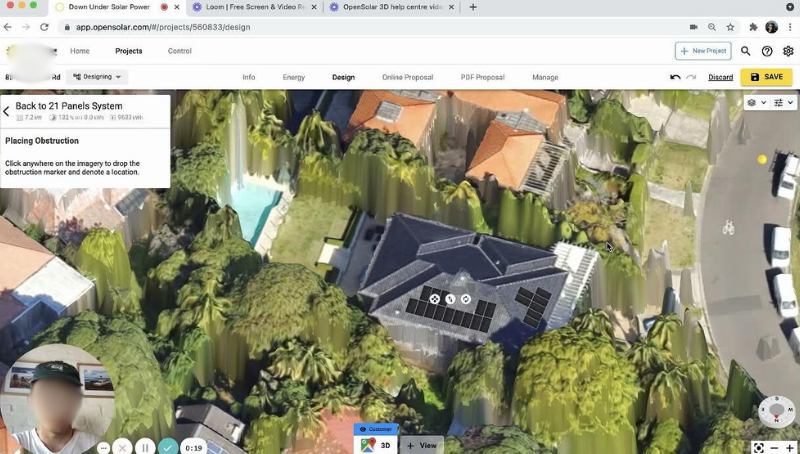
For residential installers, this combination can be extremely powerful because it allows you to move from technical sizing directly into a professional-looking customer proposal without switching tools. The visual quality of the designs is impressive, and for many residential sales processes, the accuracy is more than sufficient.
One of the underestimated advantages of OpenSolar is that it introduces you to 3D planning logic. Since you already work with roof geometries, modules, and shading objects in a spatial environment, transitioning later to more advanced 3D simulation software becomes much easier.
That said, OpenSolar has limitations when projects become technically demanding. Detailed energy flow modelling, advanced battery simulation, or bankable reporting standards are not its core strengths. For many residential installers, this is not a problem, but for C&I work, it can become one.
C&I projects require proper (paid) simulation software
When you enter the commercial and industrial segment, expectations shift significantly because the financial and technical risks are higher. Clients in this segment often request:
- Transparent yield assumptions
- Hourly simulation data
- Detailed shading analysis
- Battery integration modelling
- Grid export limitation scenarios
- Bankable documentation
Some tenders even specify which software must be used for simulation, because stakeholders want consistency and recognised standards in project evaluation.
Paid software typically justifies its cost through:
- Access to high-resolution climate databases
- Advanced shading algorithms
- Component-level modelling
- Detailed inverter behaviour simulation
- Continuous software development
- Technical support structures
Moreover, many freeware tools are closely tied to manufacturers or sales platforms, which can create perceived or actual bias in system optimisation. In serious C&I environments, neutrality and methodological transparency are often non-negotiable.
Outgrowing the freeware
You usually notice that you have outgrown free tools when one or more of the following happens:
- Clients question your yield assumptions in detail.
- Financial institutions ask for recognised simulation reports.
- You spend excessive time adjusting spreadsheets manually.
- You lose projects because competitors present more professional documentation.
- You want to optimise complex hybrid or storage systems more precisely.
At that stage, the discussion changes from “Do I need paid software?” to “Which one aligns best with my strategy?”
Different tools prioritise different strengths, and your choice should reflect your business focus, whether that is sales speed, visual impact, technical depth, or long-term credibility in larger projects.
Comparing paid options
Before comparing features, it is helpful to clarify what is actually being assessed.
Each platform has a primary purpose. It was designed with a specific objective in mind. The differences are therefore less about which tool is “better” and more about which one aligns with your professional goals.
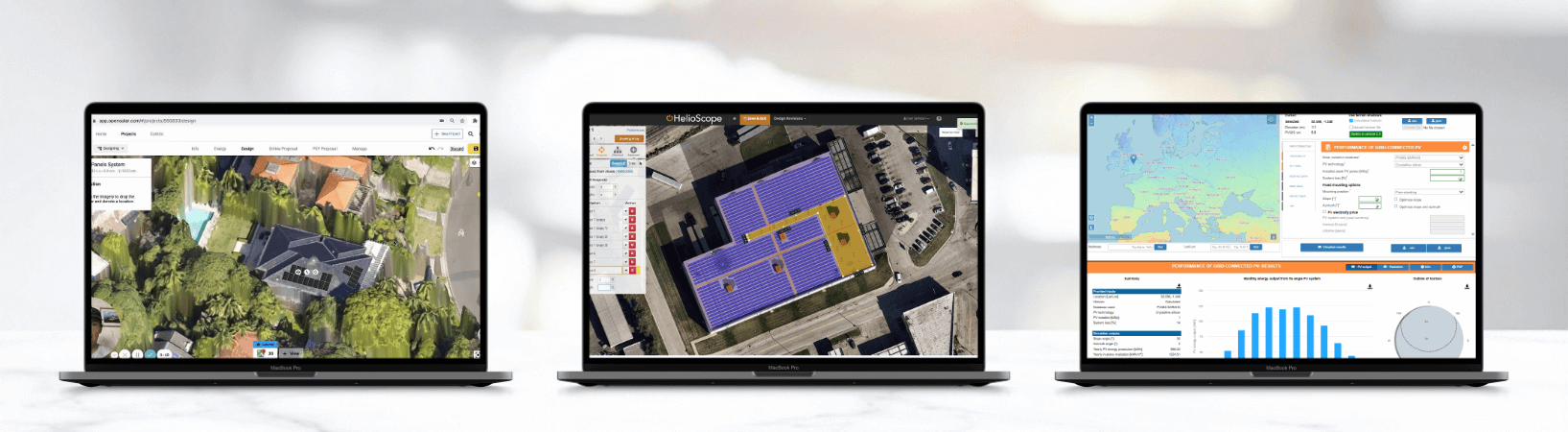
OpenSolar is fundamentally a proposal-driven design and sales platform. Its strength lies in connecting layout, quotation, and customer presentation within one streamlined environment. If your focus is efficient residential sales supported by structured 3D planning, it remains a strong option.
HelioScope, by contrast, centres on fast commercial layout and scalable cloud-based collaboration. It is particularly effective when designing distributed commercial rooftops where iteration speed and team coordination matter.
PV*SOL positions itself clearly as a detailed simulation environment. Its emphasis is not only on layout, but on calculation transparency, energy flow modelling, and technically robust battery integration. When optimisation depth and methodological clarity become central, this distinction becomes important.
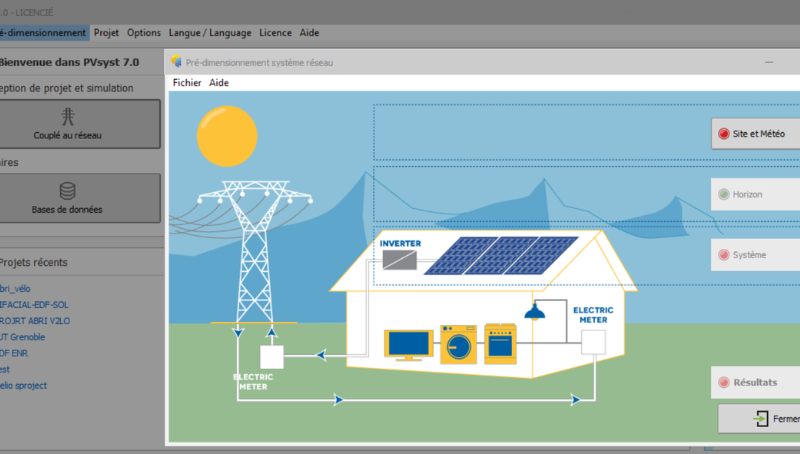
PVsyst is widely used as a reference tool in investment-driven and utility-scale environments, where detailed loss modelling and recognised performance structures are required. And, finally, PVGIS (premium) fulfils a different role altogether. It is not a design platform but a reliable irradiation and yield estimation benchmark, often used in early feasibility stages.
Understanding these underlying objectives allows you to select software strategically, based on where your business is heading, rather than simply reacting to feature lists.
Helioscope – Strengths and Weaknesses
Helioscope is widely used in commercial rooftop design and is appreciated for its efficiency and collaborative cloud-based structure.
Strengths
- Fast layout generation
- Strong stringing functionality
- Cloud-based collaboration
- Solid shading calculations
- User-friendly interface
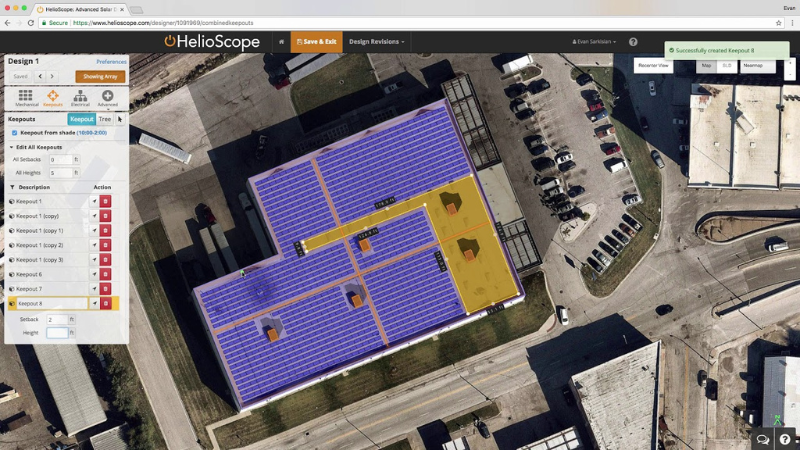
Because it is cloud-native, it allows distributed teams to work on projects efficiently, and updates are deployed seamlessly.
Weaknesses
- Limited depth in advanced battery and energy flow modelling
- Subscription cost structure
- Internet dependency
- Less granular system simulation compared to detailed desktop tools
Helioscope is particularly effective when speed and scalable rooftop layout design are priorities, especially in distributed commercial portfolios.
PV*SOL – Strengths and Weaknesses
Developed by Valentin Software, PV*SOL positions itself clearly as a professional simulation environment rather than merely a layout or proposal tool.
Strengths
- Detailed object-based 3D modelling
- Precise shading analysis
- Advanced battery and self-consumption simulation
- Hourly energy flow modelling
- Extensive component database
- High transparency in calculation methodology
- Strong bankability acceptance in many markets
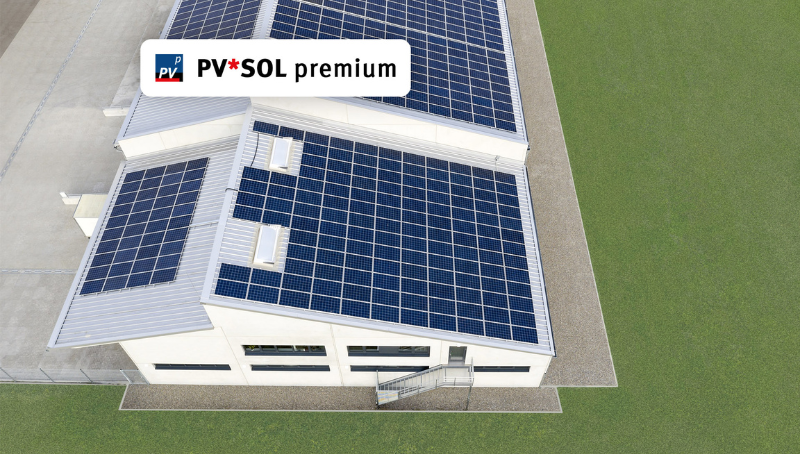
What differentiates PV*SOL is the depth of its simulation engine. Instead of relying on simplified assumptions, it allows detailed modelling of inverter behaviour, storage integration, and load profile interaction. This becomes particularly relevant when designing hybrid systems, self-consumption-optimised installations, or grid-limited commercial projects.
Weaknesses
- Steeper learning curve compared to entry-level tools
- Desktop-based rather than fully cloud-native
- Requires structured onboarding to use its full potential
PV*SOL is not necessarily the fastest tool for generating quick sales proposals; however, it excels where technical credibility and optimisation accuracy are central.
PVSyst – Strengths and Weaknesses
PVSyst is often regarded as a reference tool in utility-scale environments and investment-driven projects.
Strengths
- Highly detailed loss modelling
- Widely accepted by banks and investors
- Strong for ground-mounted, large-scale systems
Weaknesses
- Technically dense interface
- Limited intuitive 3D object modelling for rooftops
- Overly complex for small and medium installations
For installers focused primarily on residential and mid-sized C&I systems, PVSyst can feel disproportionate to daily needs, although it remains highly relevant in utility-scale contexts.
When is the right time to invest in design software?
The right time to invest is usually when the absence of professional software starts costing you opportunities, credibility, or efficiency.
While purchasing a licence increases your fixed costs and may initially feel like overkill for smaller projects, it also accelerates your professional development because you gain hands-on experience earlier and position yourself for larger contracts sooner.
However, one point cannot be overstated:
Software is only as effective as the person operating it.
Therefore, when you decide to invest, you should simultaneously plan how to build competence. Most providers offer webinars and tutorials, yet structured training significantly reduces the time required to become productive.
YouTube can also be a surprisingly valuable resource at this stage. Practical walkthroughs and real project examples often shorten the learning curve considerably. On our own channel, for example, you will find step-by-step PV*SOL tutorials that demonstrate how to move from layout to simulation in a structured way.
Approaching new software with a learning strategy, rather than trial and error alone, ensures that the investment begins delivering value much sooner.
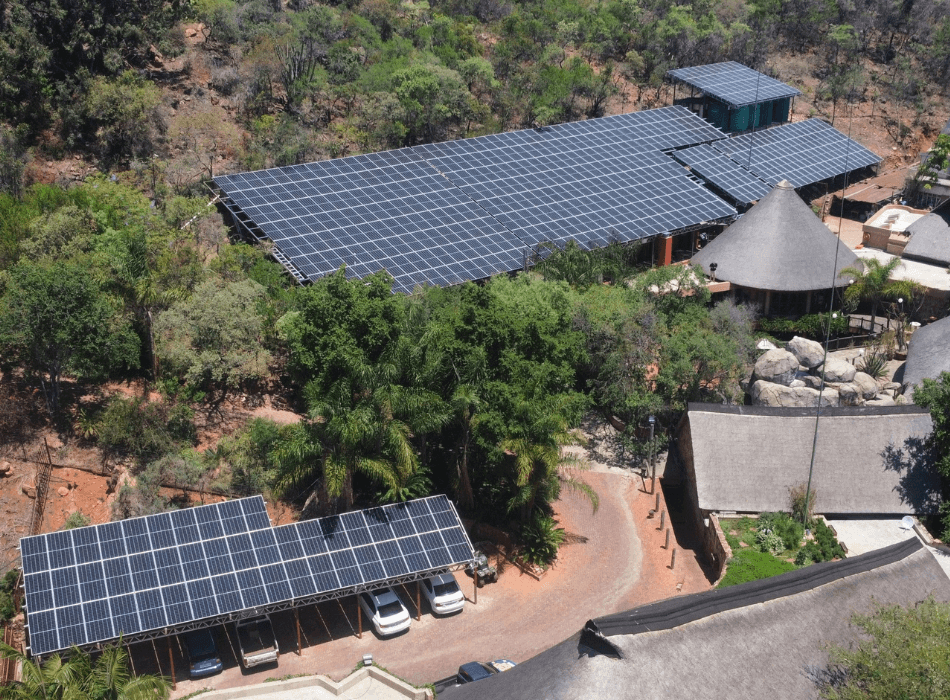
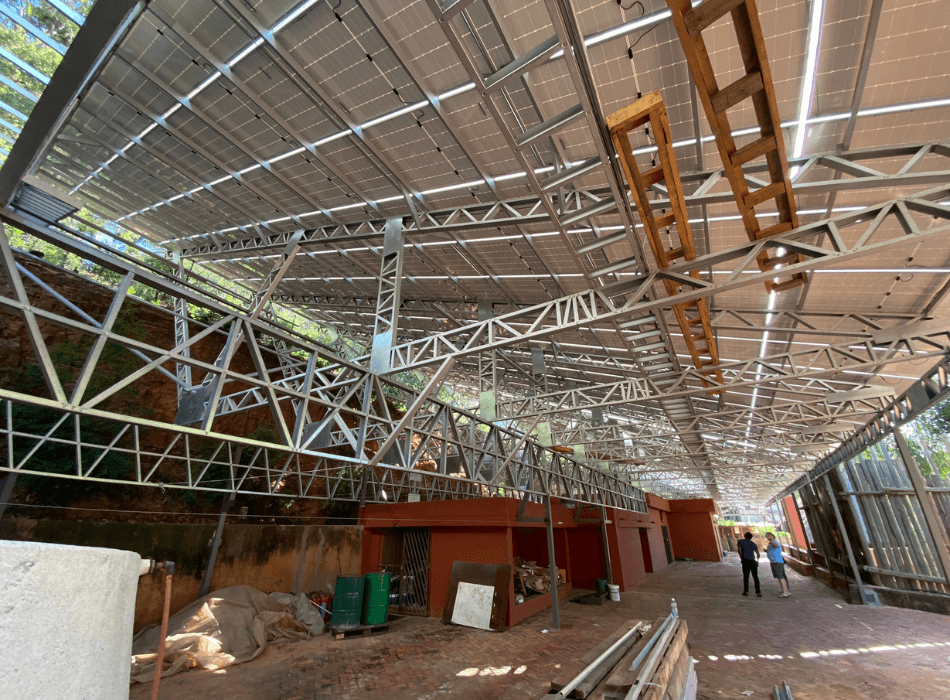
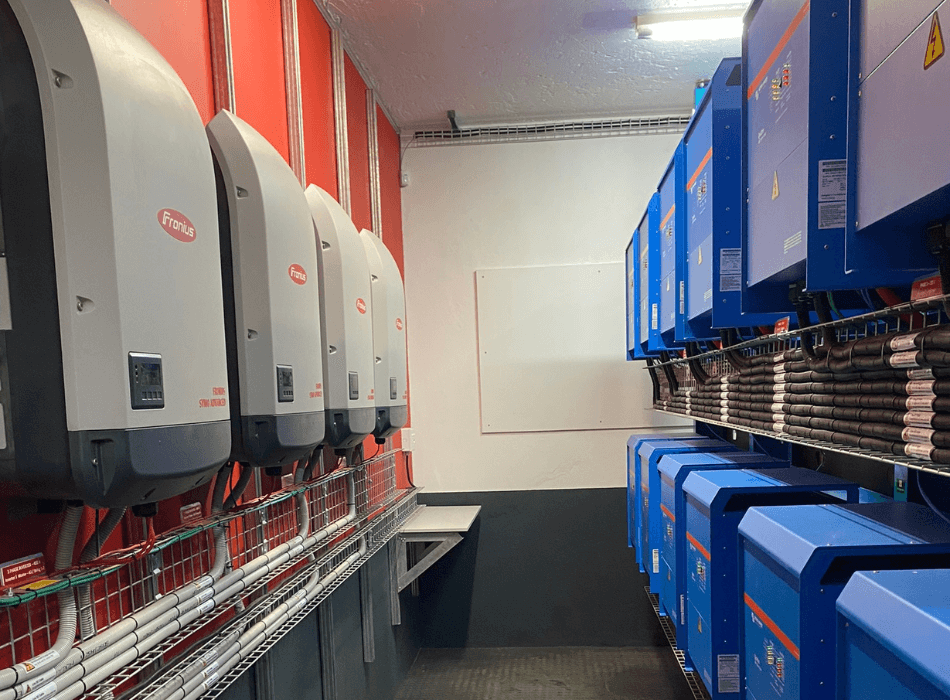
Images: LCP Solar with Victron and Fronius
Get training on PV*SOL
Live trainer-led webinar walks you through a typical South African project. Later on, you can use the webinar recording to work through your own designs:
Software comparison: Helioscope vs PV*SOL vs OpenSolar
| Criteria | OpenSolar | Helioscope | PV*SOL |
|---|---|---|---|
| Cost | Free | Subscription | Licence |
| 3D Planning | Yes | Limited 3D | Advanced object-based 3D |
| Bankability | Limited | Moderate | High |
| Battery Simulation | Basic | Limited | Advanced |
| Energy Flow Analysis | Basic | Moderate | Detailed hourly |
| Best for | Residential sales | Commercial rooftops | Advanced residential & C&I |
| Offline use | No | No | Yes |
If your primary objective is fast residential sales proposals, OpenSolar may be sufficient. If you manage distributed commercial rooftop portfolios, Helioscope offers operational efficiency. If your focus lies on technically robust C&I design with detailed storage modelling and simulation transparency, PV*SOL becomes strategically compelling.
How to get started with PV*SOL
As distribution partner, GREEN supports you beyond simply providing licences.
We offer:
- Trial access
- CPD-accredited training
- Contextualised workshops with real regional case studies
- Alumni pricing options
- Technical onboarding support
If you are considering a transition into more technically demanding projects, structured exposure to professional simulation software can be helpful. Whether PV*SOL aligns with your workflow ultimately depends on your project profile, modelling requirements, and long-term direction.
